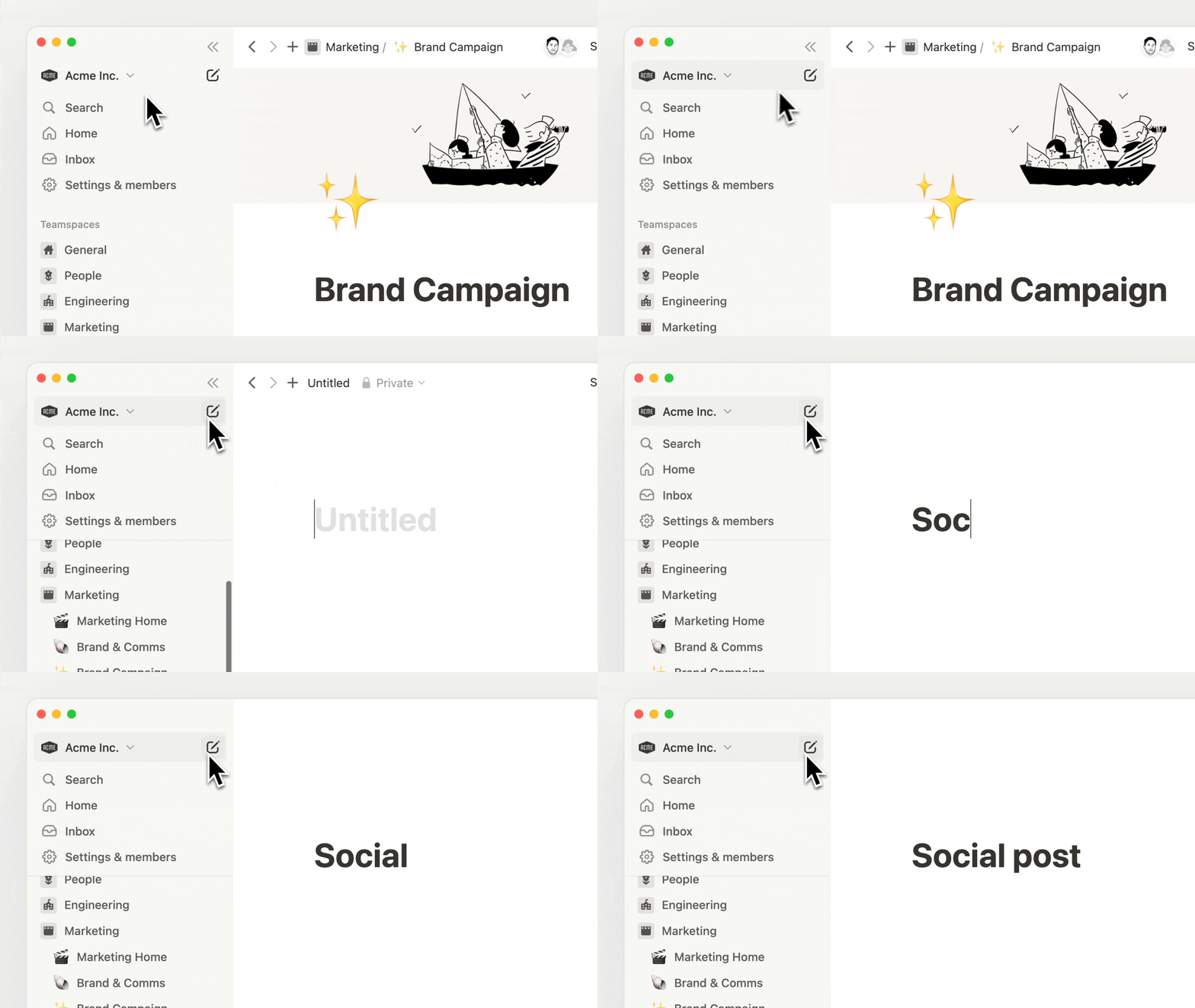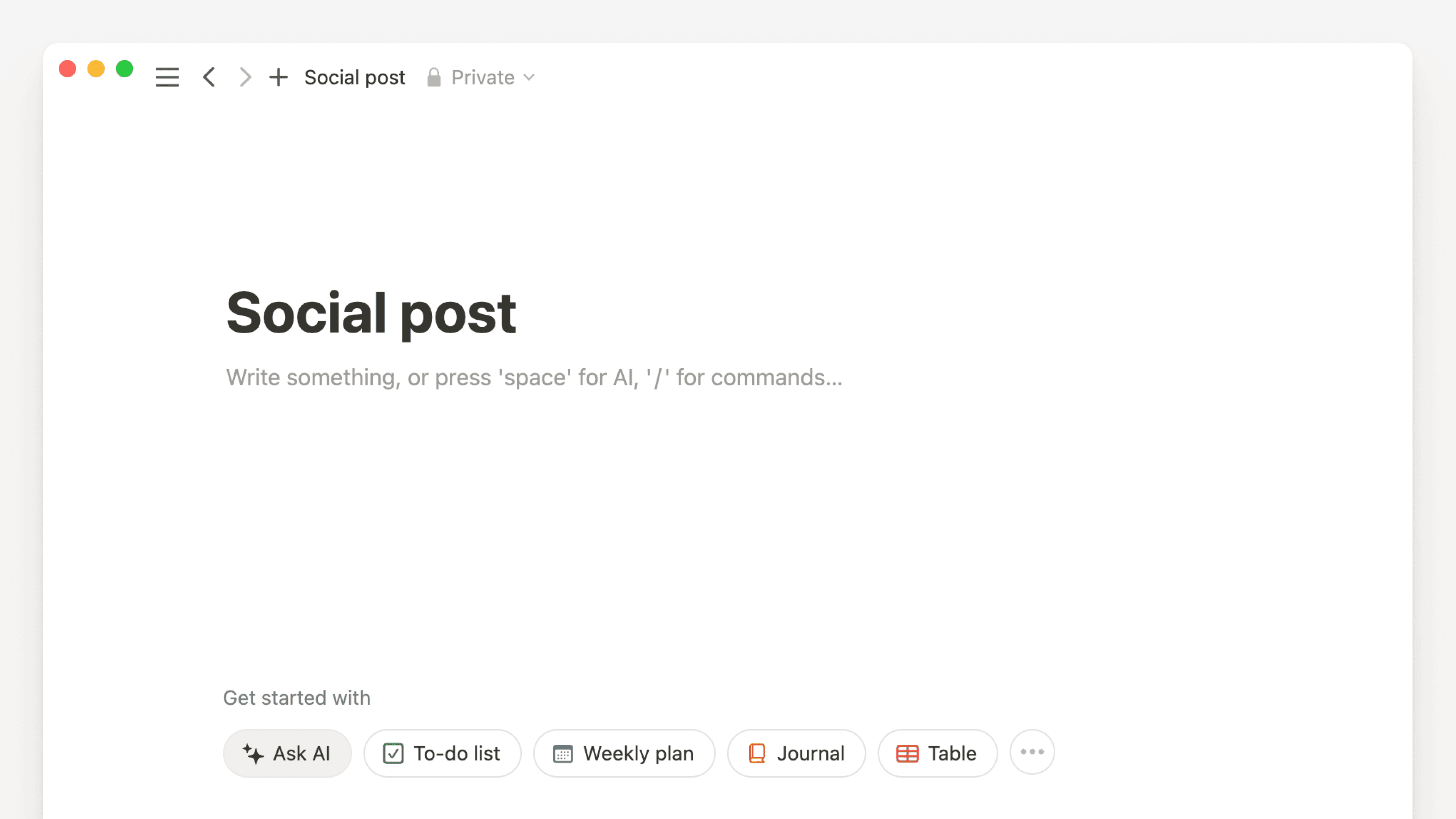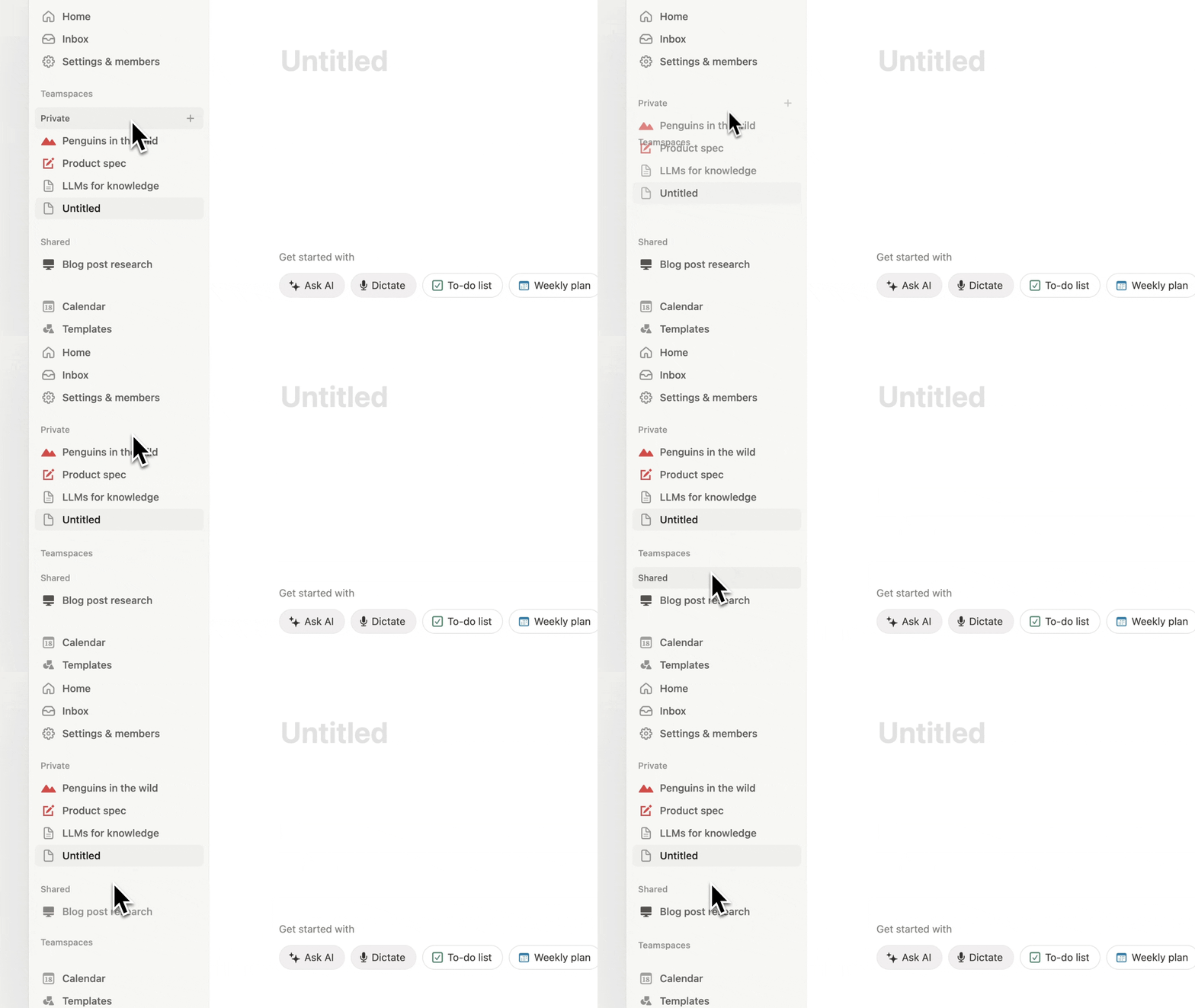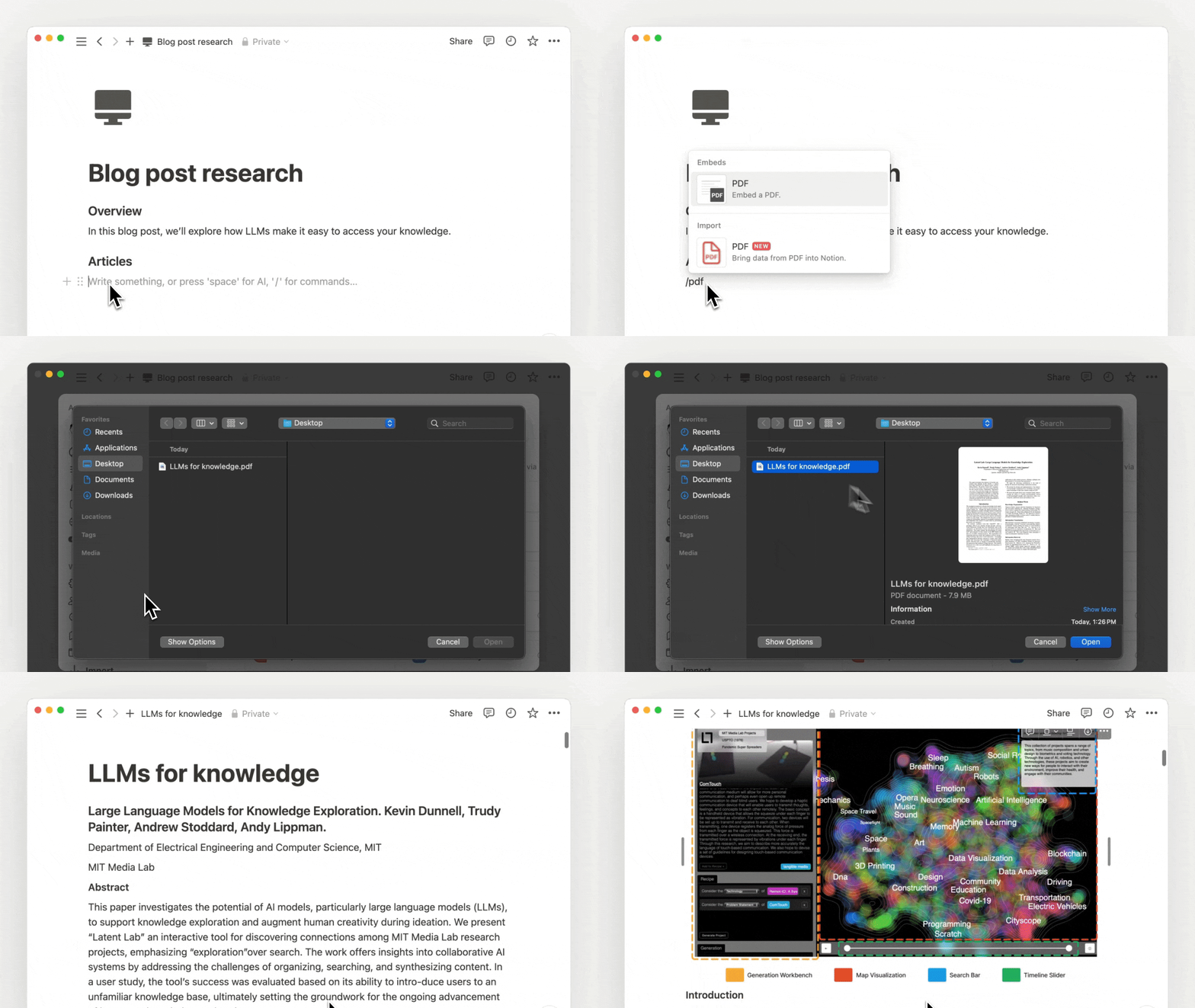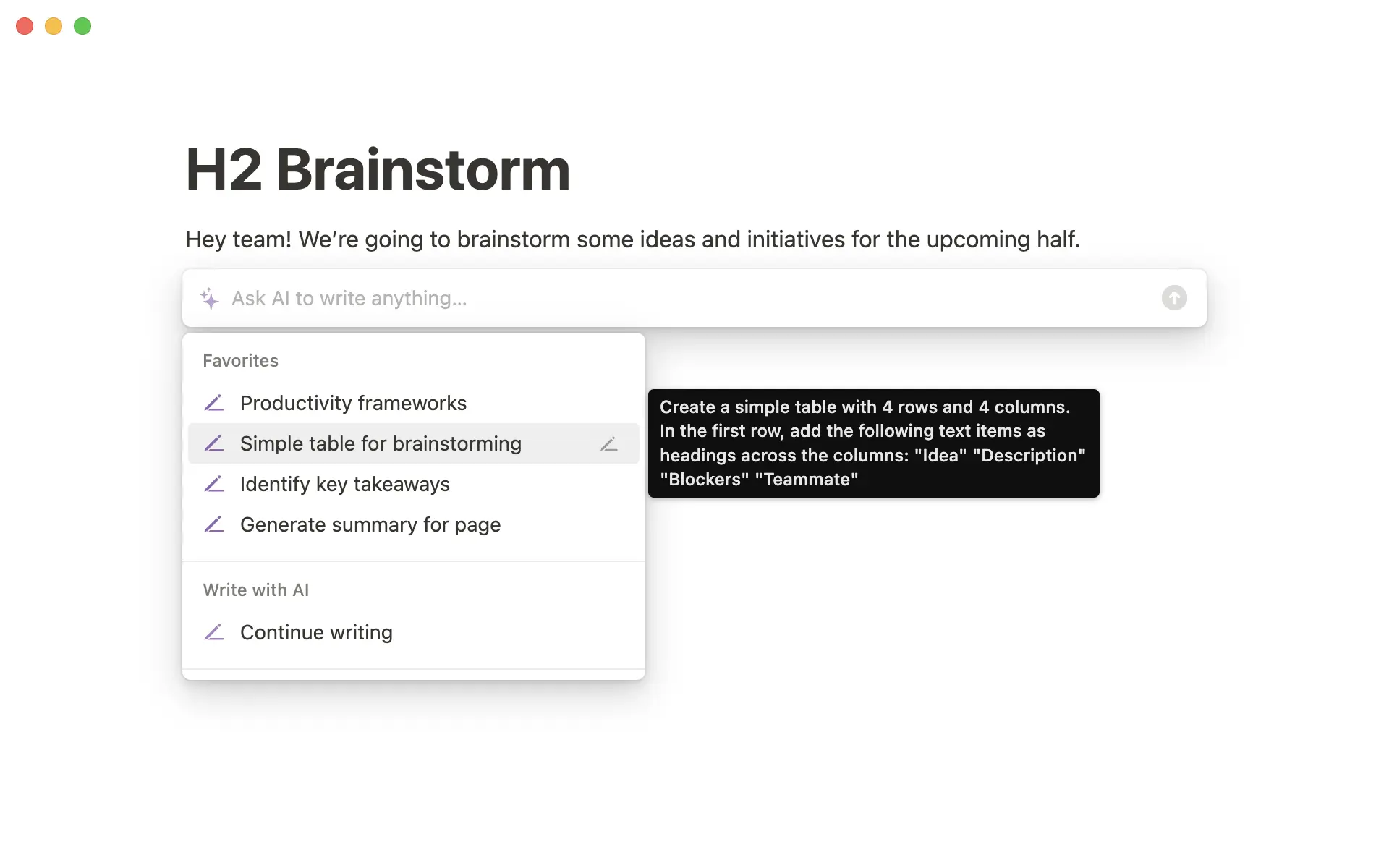
Notion 2.14 vous permet de créer des tableaux 🏓

Tableaux (simples)

Pour créer un tableau dans votre page, tapez simplement /tableau. Ajoutez rapidement des lignes et colonnes à votre tableau en faisant glisser le coin inférieur droit. Affichez des en-têtes de lignes ou de colonnes avec le menu déroulant Options.

Amélioration des commentaires

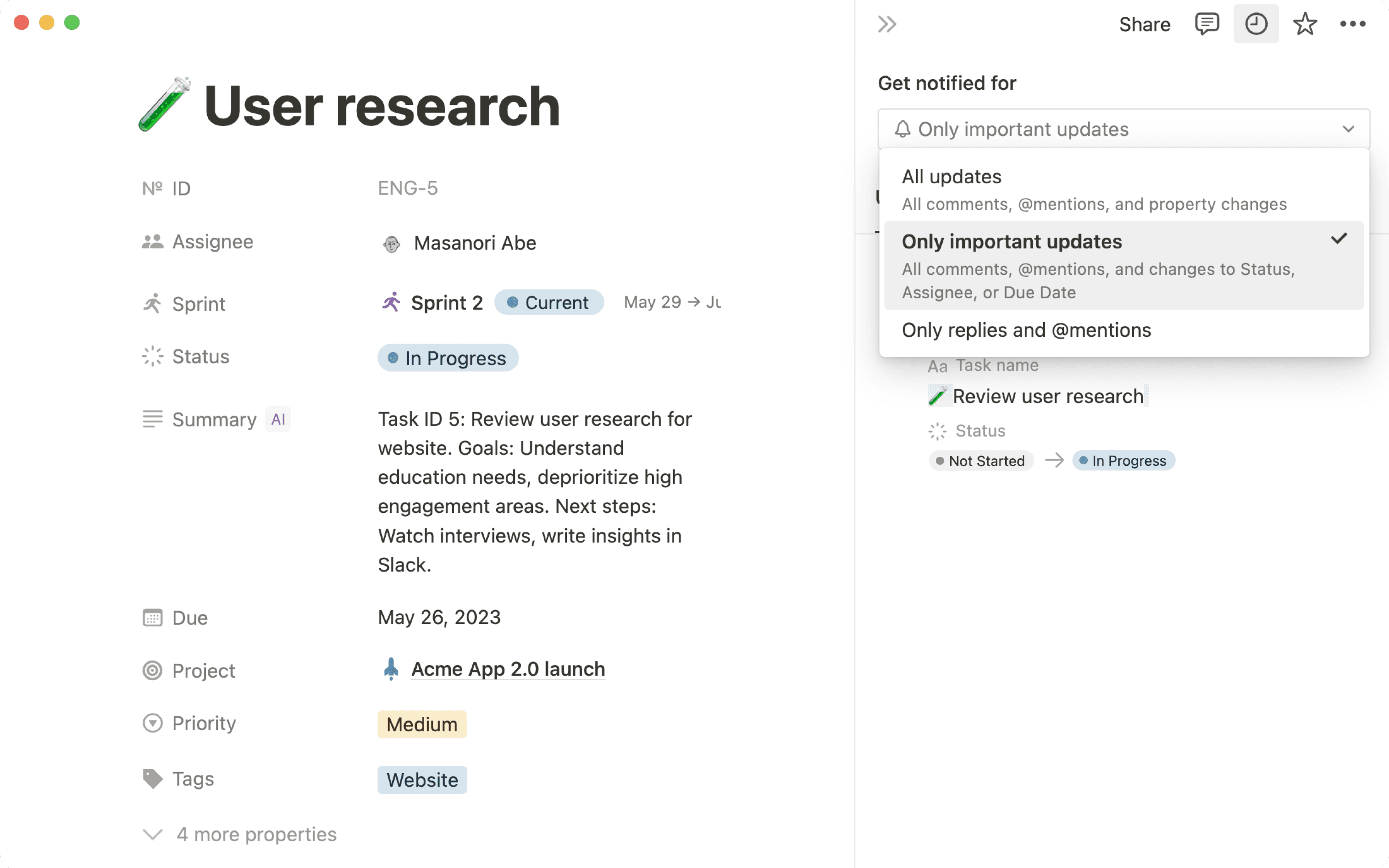
Demandez les avis de vos parties prenantes, discutez de vos objectifs trimestriels, et faites avancer les projets en laissant des commentaires sur vos notes et vos documents. Les commentaires sont maintenant plus visibles, plus faciles à découvrir.

Galerie de modèles

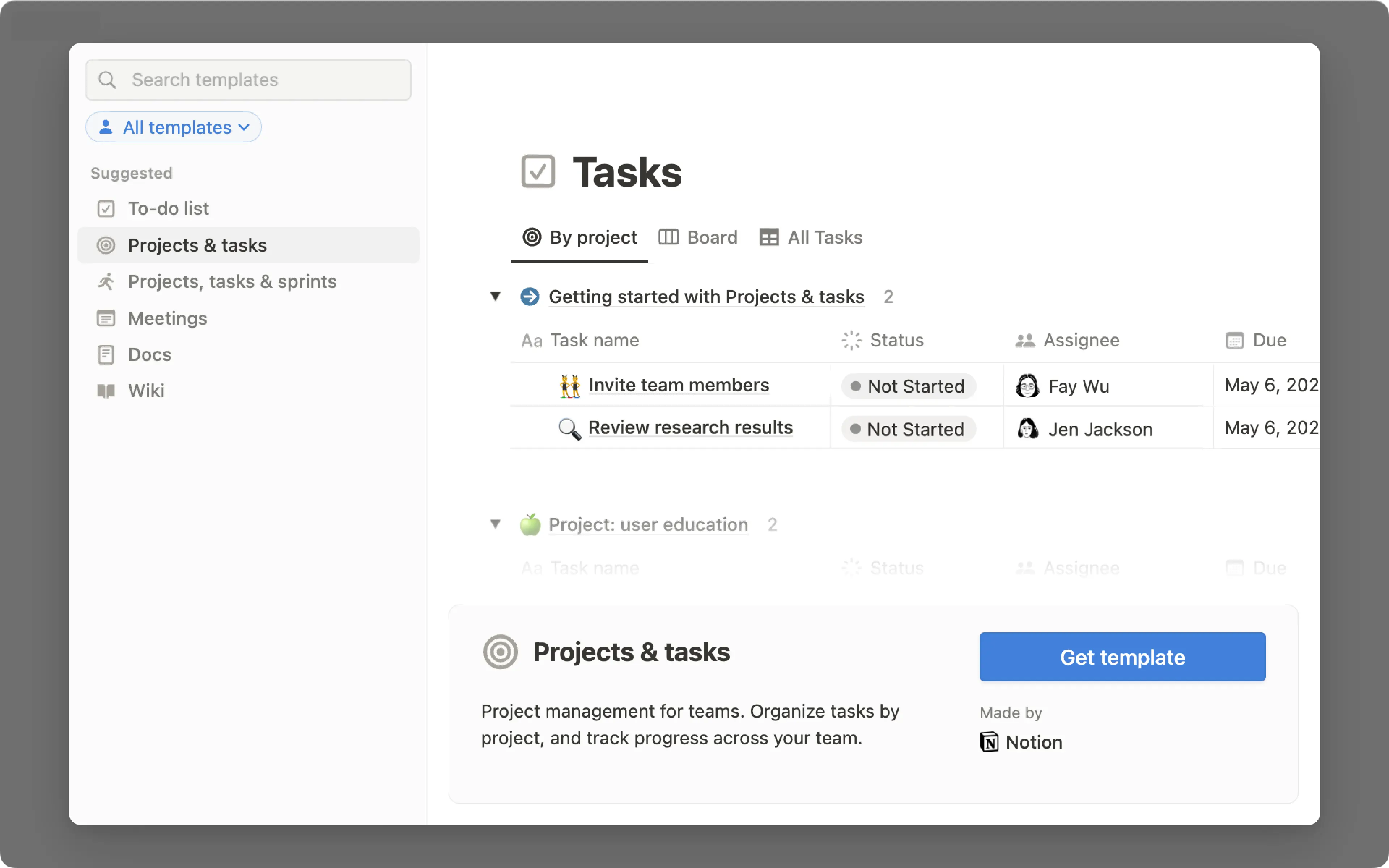
Votre espace de travail est rempli de possibilités, et la communauté d’utilisateurs de Notion peut vous aider à les découvrir. Nous avons donc entièrement reconstruit notre galerie de modèles pour mettre en avant les meilleurs tableaux de bord, configurations et processus créés par nos utilisateurs du monde entier. Dupliquez, modifiez et utilisez les modèles de votre choix dès aujourd’hui !

Découvrez la nouvelle galerie et dupliquez un modèle sur notion.com/templates.

Correctifs et améliorations

  • Pour suivre les nouveautés et les améliorations de l’API, rendez-vous sur developers.notion.com/changelog (en anglais) →

  • Le menu déroulant des slash-commandes renvoie des résultats plus pertinents (par exemple, la commande /table n’affiche plus que six options dans le menu déroulant, au lieu d’une vingtaine auparavant).

  • Correction d’un bug qui empêchait les boutons de fermeture, de réduction et de plein écran de s’afficher correctement dans l’application macOS.

  • Correction d’un bug qui générait un écran vide lors du lancement de l’application macOS par certains utilisateurs.

  • Correction d’un bug qui déclenchait un chargement infini lors d’une l’authentification unique, chez certains utilisateurs.

Aperçus des liens 🔗

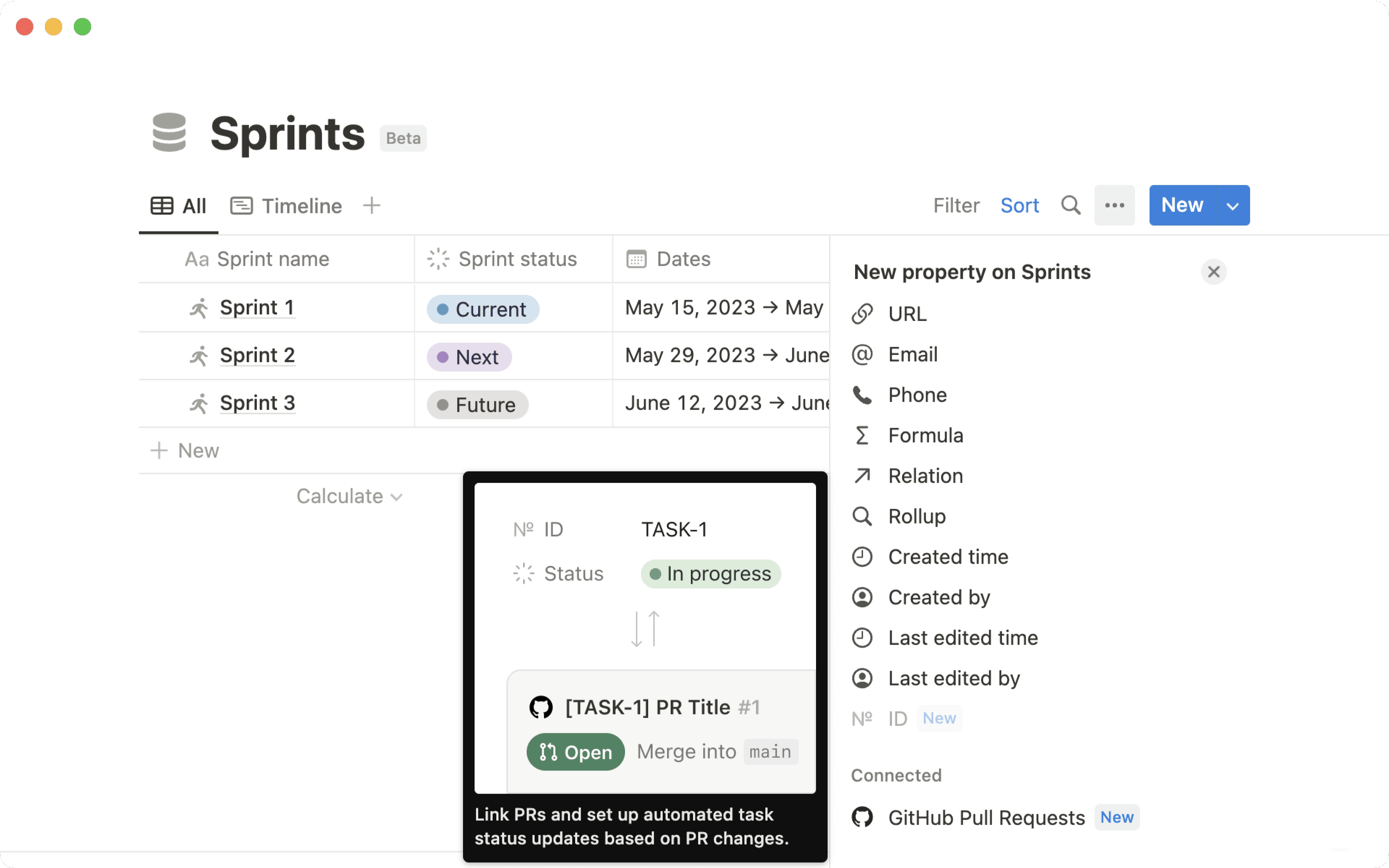
Créez des aperçus dynamiques de Pull Requests GitHub, messages Slack, tickets Jira, etc.

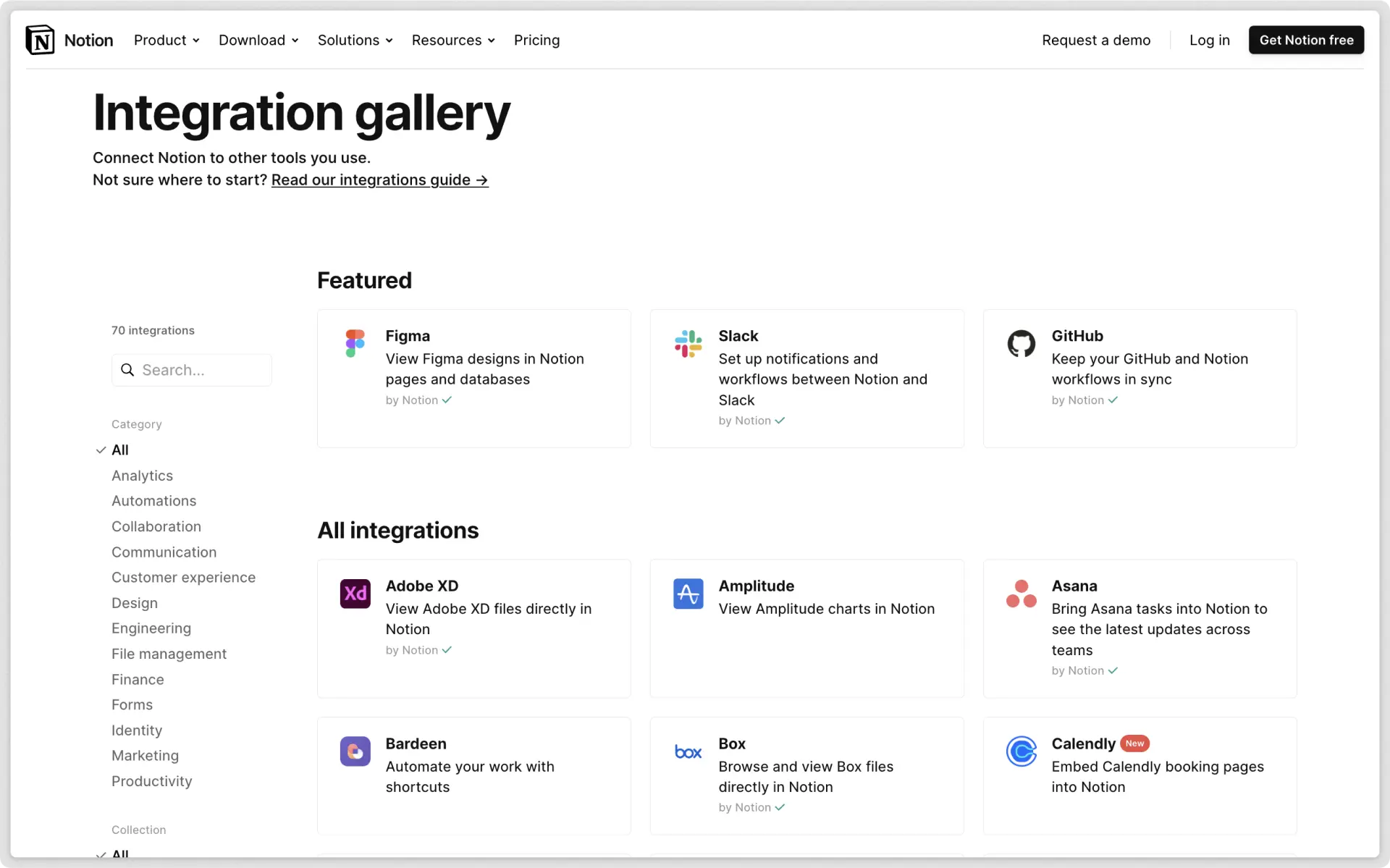
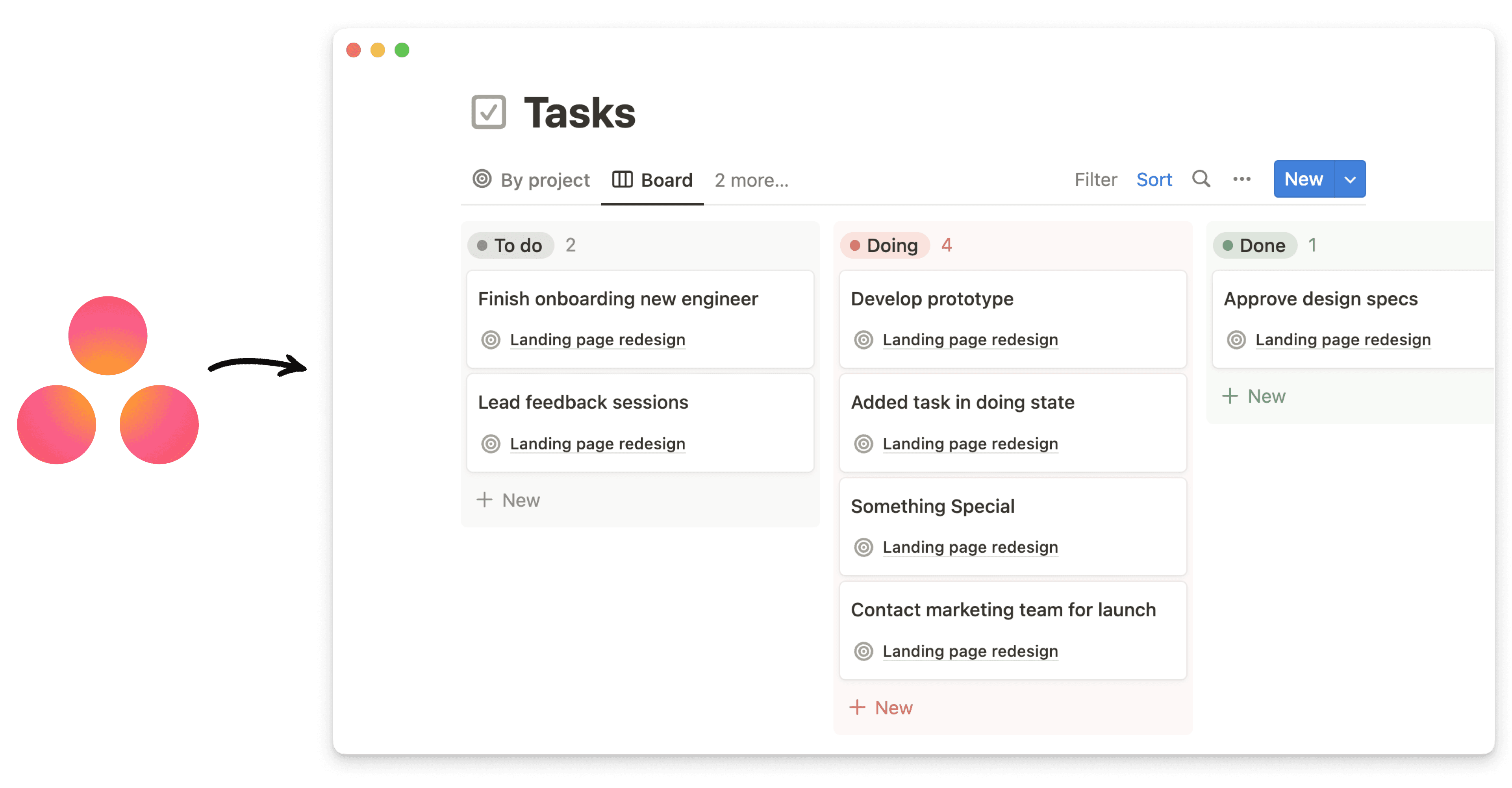
Consultez des informations — à jour — en provenance d’autres outils, tout en restant dans votre espace de travail Notion. Désormais, lorsque vous collez un lien depuis Jira, GitHub, Slack, Trello ou Asana, vous pouvez le transformer en aperçu dynamique. Soit sous forme de mention intégrée, soit en tant que bloc. Nous ajouterons bientôt la prise en charge de nombreux autres outils ; ce n’est que le début !

Correctifs et améliorations

  • Pour suivre les nouveautés et les améliorations de l’API, rendez-vous sur developers.notion.com/changelog (en anglais) →

  • La plupart des dates et heures s’affichent désormais en heure relative (c’est-à-dire « Il y a 10 heures » ou « Hier », et non plus « 1er novembre 2021 à 11:05:24 »), mais la date et l’heure complètes s’affichent lorsque vous survolez l’heure relative avec votre curseur.

  • Correction d’un bug qui générait un chevauchement des titres de page, en-têtes et propriétés de base de données chez certains utilisateurs de Safari.

  • Correction d’un bug qui empêchait certaines pages mentionnées (avec des icônes SVG) de s’afficher correctement.

  • Correction d’un bug qui faisait que le texte (mis en forme) des commentaires Notion était collé en texte brut.

  • Correction d’un bug qui entraînait un formatage incorrect au moment de coller du texte en italique à partir de Gmail et d’autres applications.

  • Correction d’un bug qui empêchait la poignée de bloc ⋮⋮ de disparaître au moment d’écrire du texte.

  • Correction d’un bug qui empêchait shift + retour de fonctionner correctement dans iOS 15.

  • Correction d’un bug à cause duquel les notifications ouvraient parfois la mauvaise page sur iOS.

  • Correction d’un bug qui faisait apparaître le clavier lors de l’ajout ou de la fermeture d’une image sur iOS.

  • Correction d’un bug qui provoquait la perte de lignes lors des importations CSV pour certains utilisateurs.

Notion 2.13 vous permet d’utiliser des groupes et sous-groupes de base de données 🍱

Groupes et sous-groupes de bases de données

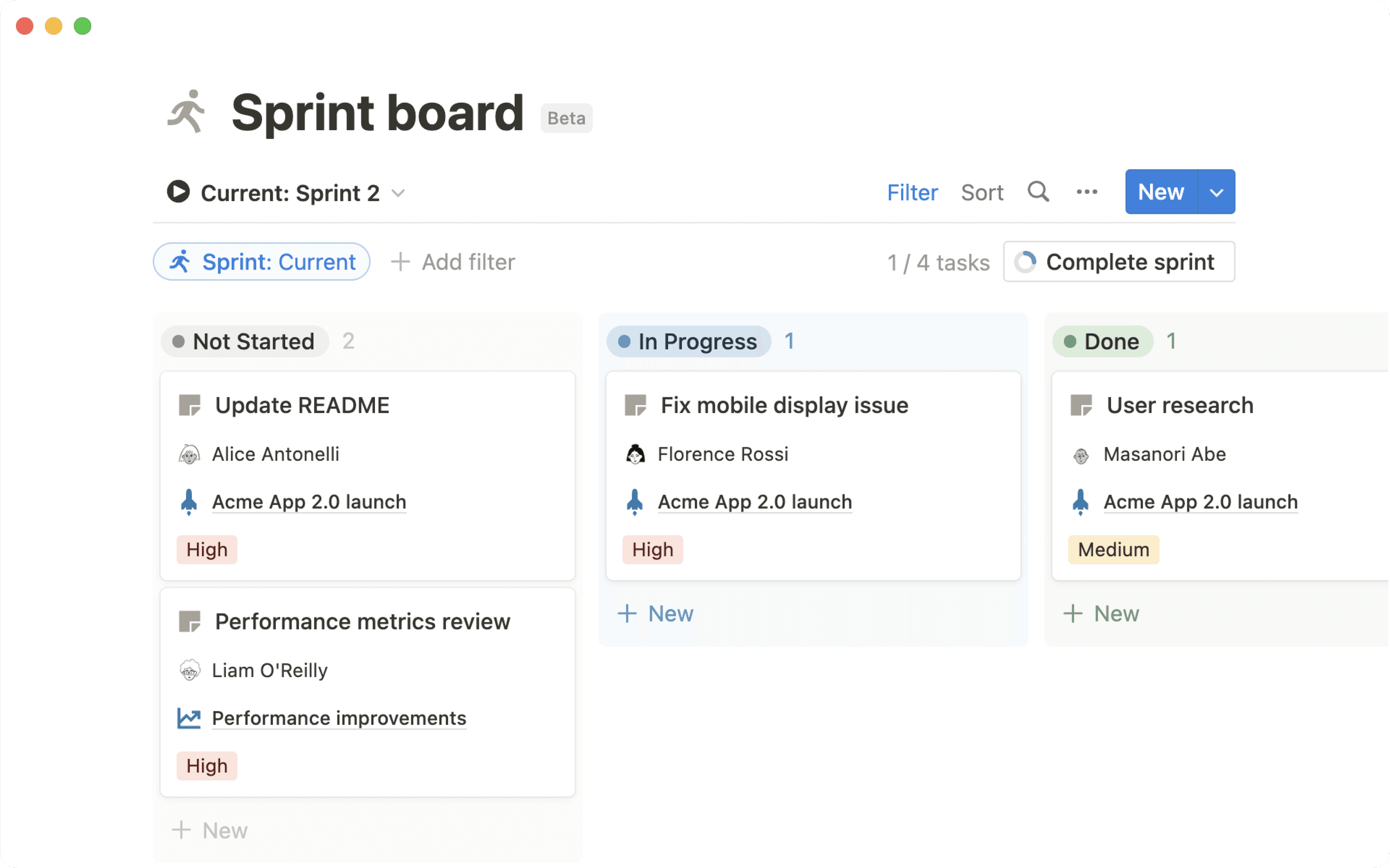
Vous pouvez maintenant visualiser vos tâches et vos projets avec encore plus de précision. Dans vos vues de bases de données, regroupez les éléments par propriété pour une organisation optimale.

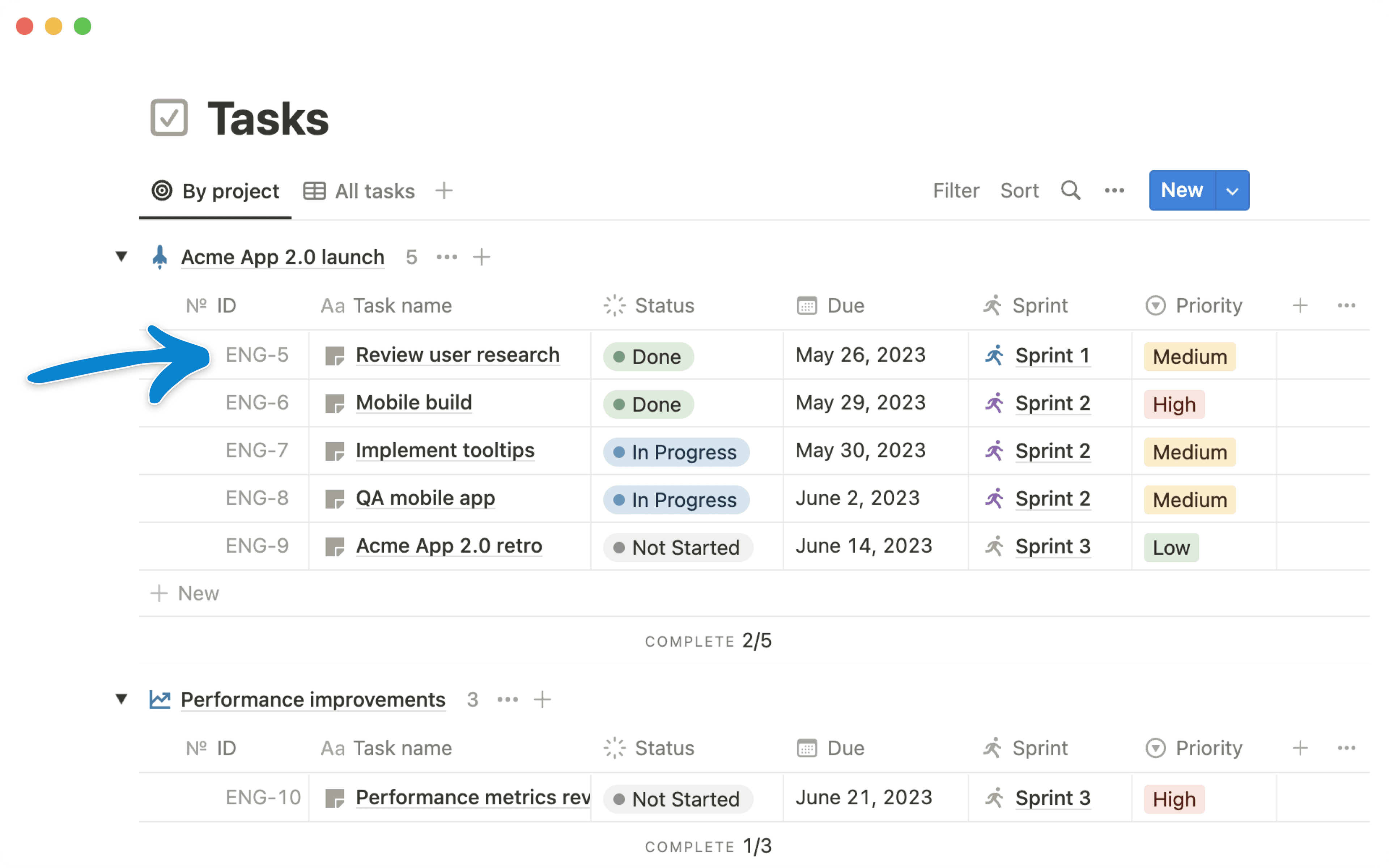
  • Créez des groupes dans les vues « chronologie », « table », « liste » et « galerie » Vous utilisez une vue de base de données avec des centaines ou des milliers d’éléments ? Cliquez sur le nouveau bouton Grouper pour organiser visuellement votre contenu selon les propriétés les plus pertinentes pour vous.
    À gauche de chaque groupe se trouve un menu dépliant. Il vous permet de masquer ou d’afficher rapidement n’importe quel groupe, afin de vous concentrer sur ce dont vous avez besoin. Vous pouvez également masquer les groupes vides grâce au nouveau bouton « Masquer les groupes vides ».

  • Créez des groupes et des sous-groupes dans la vue « tableau kanban » Grâce aux sous-groupes, vos principales tâches sont désormais bien mieux organisées.
    Si votre tableau kanban était déjà trié à l’aide d’une propriété d’état (par exemple, « Pas commencé », « En cours », « Terminé »), vous pouvez désormais organiser ces tâches en sous-groupes par priorité, équipe, destinataire ou toute autre propriété pertinente, sans toucher à vos colonnes d’état.

  • Groupez par davantage de propriétés (relation, nombre, date, etc. Auparavant, vous ne pouviez regrouper vos éléments qu’à l’aide des propriétés de type « Sélection », « Sélection multiple » et « Personne ». Désormais, presque tous les types de propriétés sont pris en charge : texte, nombre, date, case à cocher, URL, e‑mail, téléphone, formule, relation, date de création, créé par, dernière modification et dernière modification par.

Tous les membres de l’espace de travail peuvent ajouter des intégrations

Auparavant, seuls les administrateurs pouvaient ajouter une intégration d’API à l’espace de travail de votre équipe. Dorénavant, les administrateurs et les membres peuvent intégrer des services comme Automate.io, IFTTT et Typeform.

Les administrateurs peuvent gérer et supprimer les intégrations ajoutées par les membres à votre espace de travail en accédant à Paramètres et membresIntégrations. Les équipes disposant d’un forfait Entreprise trouveront dans la section Sécurité et identité un nouveau paramètre permettant d’empêcher les membres d’installer de nouvelles intégrations tierces.

Meilleure lisibilité des couleurs et de la vue « tableau kanban »

Votre espace de travail est bien plus facile à lire ! Les nouvelles couleurs vives de Notion aident à réduire la fatigue visuelle et améliorent son accessibilité.

  • Les vues tableau kanban de vos bases de données incluent désormais des couleurs d’arrière-plan afin de mieux différencier les colonnes. Vous pouvez également les désactiver en cliquant sur le bouton Grouper et en désactivant « Couleur des colonnes ».

  • Les propriétés Sélection et Sélection multiple utilisent désormais des couleurs de texte personnalisées pour optimiser le contraste et la lisibilité.

  • Les couleurs de texte et couleurs d’arrière-plan sont également plus accessibles et ont réussi tous les tests de contraste prévus par les bonnes pratiques d’accessibilité du contenu Web.

Amélioration des commentaires sur mobile

Visualisez tous les commentaires d’une page en un coup d’œil, et répondez à n’importe quelle discussion depuis vos appareils mobiles, grâce à la nouvelle vue commentaire pour mobile. Appuyez simplement sur le bouton 💬 (en haut à droite de votre écran) pour voir tous les commentaires de cette page.

Correctifs et améliorations

  • Pour suivre les nouveautés et les améliorations de l’API, rendez-vous surdevelopers.notion.com/changelog (en anglais) →

  • Correction d’un bug qui générait le message d’erreur « Un problème est survenu lors de vos modifications répétées. » pour certains utilisateurs iOS après une saisie.

  • Correction d’un bug qui générait le message d’erreur « Une erreur s’est produite. » pour certains utilisateurs d’Android.

  • Correction d’un bug qui générait un écran vide lors du lancement de l’application macOS pour certains utilisateurs.

Notion en japonais 🇯🇵🎊

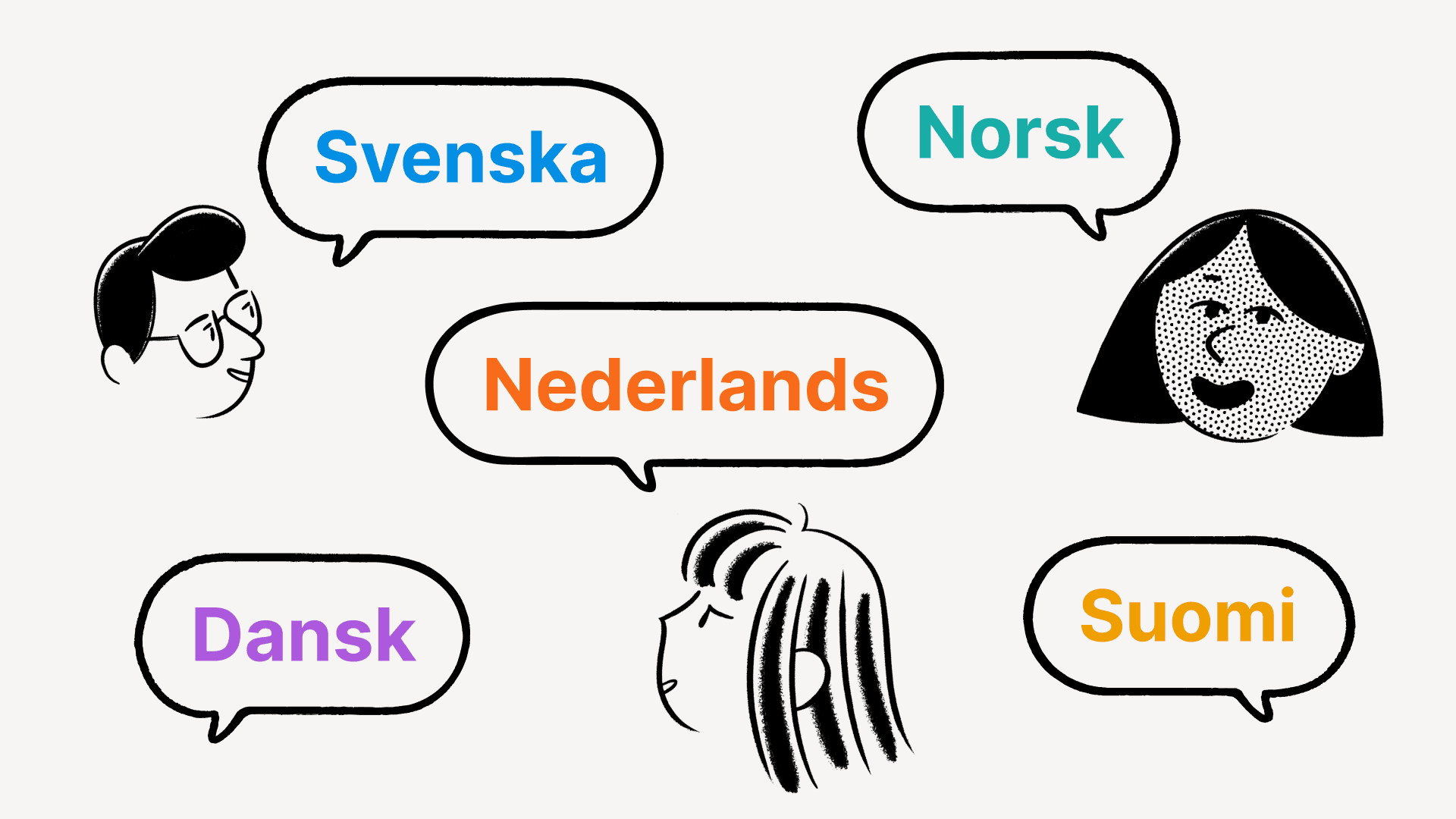
Notion est maintenant disponible en japonais

À partir de maintenant, le japonais est disponible en bêta sur la version Web de Notion. Les applications mobiles et de bureau seront déployées par vagues successives au cours des deux prochaines semaines.

  • Cliquez sur Modèles en bas de votre barre latérale gauche pour trouver des modèles en japonais.

  • Accédez à notion.com/help pour trouver des guides et tutoriels traduits en japonais.

  • Pour discuter avec notre équipe en japonais, cliquez sur le bouton (?) situé en bas à droite de votre appli, ou appuyez sur Aide et commentaires (en bas de votre barre latérale) si vous êtes sur mobile.

Pour passer à Notion en japonais :

  • Sur ordinateur : accédez à Paramètres et membresLangue.

  • Sur mobile : si la langue de votre téléphone (ou tablette) est le japonais dans les paramètres du système, alors votre appli Notion sera automatiquement en japonais.

Amélioration des listes à puces

Par défaut, toutes les listes à puces ont maintenant un aspect légèrement différent en fonction de leur niveau d’indentation : disques, cercles et carrés.

Afficher et masquer toutes les propriétés de bases de données en un clic

Vous utilisez une base de données qui contient beaucoup de propriétés ? Désormais, lorsque vous personnalisez l’une de vos vues de base de données, vous pouvez masquer et afficher rapidement plusieurs propriétés à la fois. Cliquez simplement sur le bouton Propriétés (en haut de votre base de données), puis sélectionnez les propriétés que vous souhaitez voir apparaître dans cette vue.

Correctifs et améliorations

  • Pour suivre les nouveautés et les améliorations de l’API, rendez-vous sur developers.notion.com/changelog (en anglais) →

  • Les mentions dynamiques @aujourd’hui, @maintenant et @moi sont désormais prises en charge dans les boutons de modèle.

  • Il est maintenant possible de zoomer par « pincement » des doigts sur les images dans les applications iOS et Android.

  • Correction d’un bug qui empêchait la fermeture de la barre d’outils d’édition mobile sur iPadOS.

  • Correction d’un bug qui créait une exportation PDF incorrecte lorsque des blocs de citation contenaient d’autres blocs.

  • Correction d’un bug qui empêchait les bases de données des modèles de se remplir correctement lors de la création d’une nouvelle page à partir du modèle.

  • Correction d’un bug qui empêchait le bon chargement de toutes les lignes des bases de données pour certains utilisateurs.

  • Correction d’un bug qui empêchait certains utilisateurs de modifier l’image de couverture des pages qui disposent d’une icône.

  • Correction d’un bug qui empêchait de prévisualiser correctement les images Unsplash sur les appareils Android.

  • Correction d’un bug générant le message d’erreur « Une erreur s’est produite » pour quelques utilisateurs sur certaines pages.

Notion 2.12, now with better comments 💬

Better comments

Collaborate more effectively with your team through a completely redesigned comments experience in Notion. Here are the key ways it will improve the way you work together, whether you're giving feedback, suggesting revisions, or planning projects:

  • New comments sidebar
    See every comment on a page at a glance, and respond to any comment thread — all consolidated in your new right-hand sidebar.
    Use the Resolve button to archive any comments where no more action is required, or filter your sidebar to only view Resolved comments, so you can see a history of decisions made.

  • Attach images, GIFs, videos & files
    When you're commenting on someone's doc, giving feedback about your teammates' design, or asking a colleague for the correct PDF, plain text doesn't always get the job done.
    Now you and your teammates can add rich attachments to all your comments, including images, animated GIFs, full-length videos, and file attachments like DOCX files from Google Docs or Microsoft Word, PDFs & more.

  • Copy & share links to specific comments
    When folks are catching up on the status of a project or decision, it's helpful to point them to the exact thread where the discussion is taking place.
    To do this, click the ••• button that appears when you hover your cursor over a comment, then click Copy link. Then, paste the URL in a Slack message, email, text message, or however you want to share with your teammate.

Set a public home page for [yourdomain].notion.site

Hosting your company's careers page, investor pitch deck, or personal blog on a public Notion page? When someone asks for the link to your site, "acmedesign.notion.site/f7s8b0" doesn't exactly roll off the tongue, or fit on a business card. And before now, "acmedesign.notion.site" would have resulted in an error screen.

If you have a paid plan, you can now select a home page for your public site, so anyone who goes to .notion.site will be taken to whatever page you choose.

To do this:

  • Go to the page you'd like to set as the homepage for your public site, and ensure that Share to web is turned on in the Share menu

  • Go to Settings & membersSettings and scroll to the Public home page section to select your home page

  • Be sure to also select a custom domain name in the Domain section if you haven't done so already

Create Siri Shortcuts to your Notion pages

"Hey Siri, open my Notion dashboard." Now shortcuts like this are easy to create in the Shortcuts app on your iOS device. The next time you open your Shortcuts app, you'll find that Notion has been added as a compatible app. And if you usually open a Notion page on your device around the same time of day, it may appear in your Siri Suggestions as well.

P.S. You'll need to have opened the page on your device recently for it to appear in the Shortcuts app!

Find your Notion pages in Search on iPhone & iPad

First, swipe down in the middle of your iOS home screen. When you type the name of a Notion page, it will appear in the search results (as long as you've viewed that page on your device before).

Copy & paste multi-column layouts

This one has been a long time coming! Now when you click and drag to select blocks in a multi-column layout and copy to your clipboard, the column structure will stay intact when you paste it somewhere else in Notion.

API integrations

We're excited to welcome a few new partners to the Notion platform!

  • Unito: Their two-way integration saves you time and effort by pulling in key data and information from your other work tools (like HubSpot, GitHub & Jira), allowing you to collaborate and manage projects from within your primary workspace

  • Hightouch: Dynamically power your Notion databases with up-to-date data from your data warehouses, including MySQL, PostgreSQL, Snowflake & more

  • Marker.io: Collect bug reports with screenshots, annotations & technical meta-data, directly into your Notion databases

We completely rebuilt our Help Center from the ground up, so you have easy access to all these resources in one place:

  • Read through bite-sized tutorials designed for folks who are new to Notion

  • Learn about Notion's more advanced features so you can build powerful workflows

  • Troubleshoot issues with your account, apps & billing

Bug fixes & improvements

  • For new API features & improvements, go to developers.notion.com/changelog →

  • Page mentions (e.g. Careers at Notion) have a new streamlined design

  • You can now include the dynamic mention @me within database templates

  • Pages with large images now load faster on mobile

  • Hitting Return / Enter to select a Select property value in the last line of a Table view no longer creates a new row

  • Fixed a bug that prevented SAML logins from working correctly on iOS

  • Fixed a bug that caused the formatting menu to appear while typing Chinese, Japanese, and Korean characters

Acquiring Automate.io

Exciting news! We're acquiring Automate.io!

This will accelerate our ability to build high quality integrations for teams & businesses, as well as more features for developers building on the Notion API.

Dynamic @today & @now mentions in database templates

When you're taking notes, typing @today or @now lets you quickly record the current day's date. They automatically resolve to display the month, day, and year as time passes, but they didn't work within database templates — until now.

When you type @today or @now while editing a database template, you'll see two options: one to record today's date, and a new option, Date when duplicated, which creates a dynamic date mention each time the template is used in the future.

New emojis & page icons 🐈‍⬛

We've heard it many times: there's something especially therapeutic about selecting the perfect emoji for your Notion pages. Plus, they make your content much easier to find later!

Now there are dozens of new emojis to choose from — add them as page icons at the top of your docs and databases, or type them inline in any paragraph with the : key, followed by the name of the emoji.

Find the full lists of new emojis here: 12.0, 12.1, 13.0, 13.1

Copy database properties to your clipboard in one click

Before, it took several clicks to take the information from a database property and copy it to your clipboard for pasting elsewhere.

Now you'll find convenient **Copy to Clipboard** buttons next to Text, Number, URL, Phone, Email, Created time, and Last edited time properties, making for a much faster workflow.

Better URL properties in databases

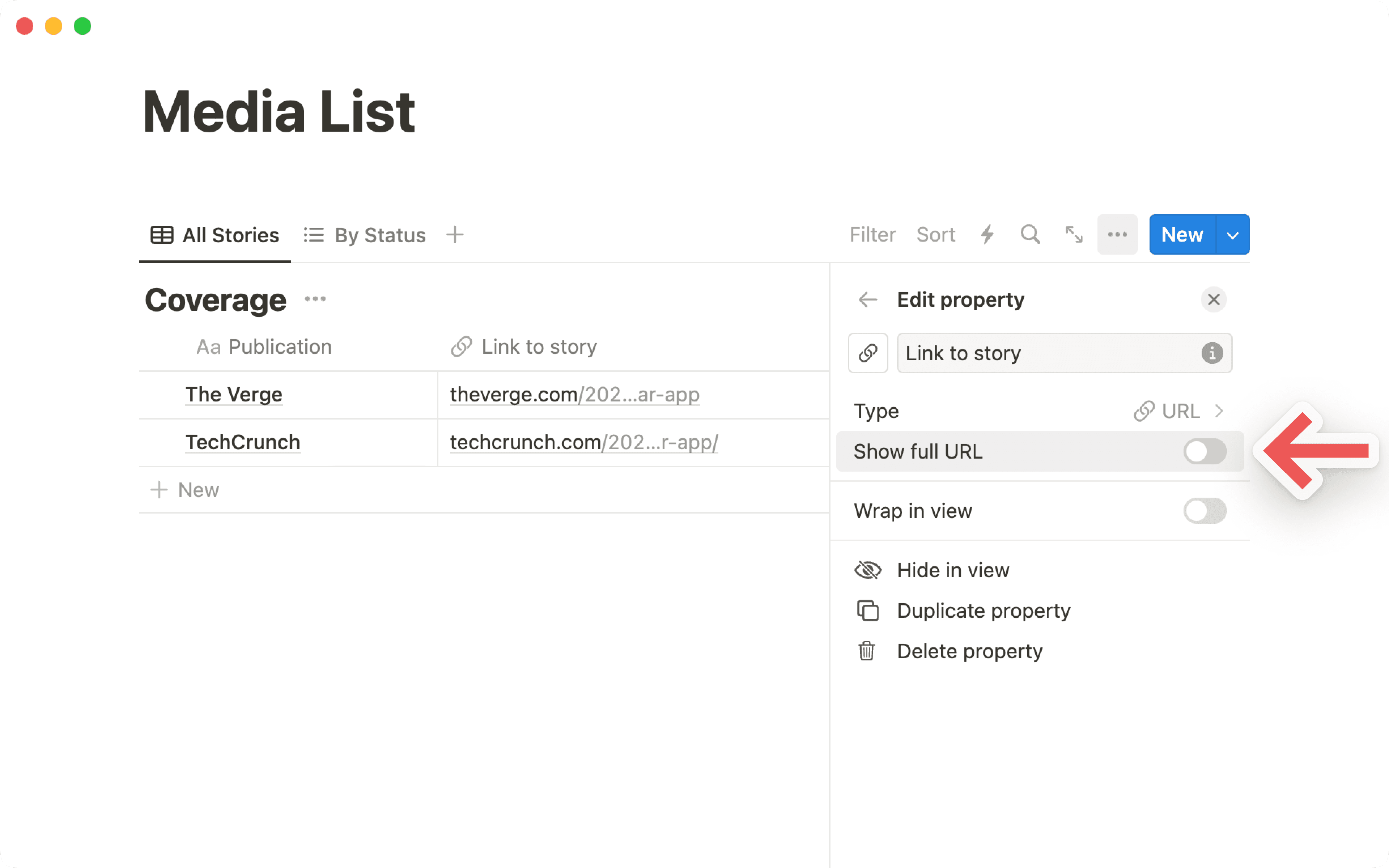
URL properties in your databases are now easier to use. Clicking the URL opens that page in your web browser, rather than selecting the property for editing. And there's a new Edit URL button that appears when you hover over the property with your cursor.

Recently visited pages sync across devices

When you first open the Quick Find window, the first thing you'll see is a list of your RECENT PAGES. Now these sync across all your browsers & devices!

For example, if you're working on a page in the desktop app, it'll appear at the top of your RECENT PAGES section the next time you access your workspace in the mobile app.

Better quote blocks

Recently, we added the ability to include rich content within callout blocks. Now you can do the same with quote blocks!

To do this, grab a piece of content (such as images, bullets, databases & more) by the ⋮⋮ block handle to its left, then drag inside the quote block.

Bug fixes & improvements

  • Pages load faster on Android 📈

  • Text blocks containing @mentions of dates and people now automatically populate Date and Person properties when moved to a database

  • Now it's much easier to download, copy & share images from iOS while you're on the go — just double tap an image to open in full screen mode, then tap and hold

  • On iOS, you can now close your mobile keyboard by swiping it down

  • Admins in Enterprise Plan workspaces can now generate a SCIM API token in the Security & identity section of Settings & Members

  • Fixed a bug that caused page icons to appear incorrectly on Android & Windows devices

  • Fixed a bug that caused database filters to break after renaming Select & Multi-select property values

  • Fixed a bug that caused the "Start week on Monday" setting to appear in the My account section of Settings & members in addition to the Language & region section

  • Fixed a bug that prevented Gallery & Board card previews from displaying nested lists correctly within synced blocks, callout blocks, and quote blocks

Tactiq integration

New API integration with Tactiq

Tactiq's Chrome extension automatically transcribes your verbal conversations from Google Meet into written notes that you can search and reference later — and now you can quickly add those transcriptions to your meeting notes in Notion with their new integration.

Bug fixes & improvements

  • Fixed a bug that prevented links in Board view databases from opening in a new browser tab

  • Fixed a bug that prevented the mobile keyboard from being dismissable while editing a page title in the iOS app

  • Fixed a bug that prevented new pages from being created when dragging images & files into a Gallery view database

  • Fixed a bug that caused some topbar action buttons such as Share to be hidden for some users

SOC 2 compliance 🔒

SOC 2 Type 2 certification

We're now SOC 2 compliant, enabling more large teams to move their work onto Notion!

Now you can read a full report about how we limit access to data, implement authentication controls, manage incident response, and conduct employee security awareness training and background checks.

If you're a Notion Enterprise customer, reach out to your Account Executive or Customer Success Manager to see our full SOC 2 Type 2 report. If you're thinking about using Notion at your company, contact sales here and we'll send you a copy.

Bug Fixes & improvements

  • Buttons across the Notion interface can now be highlighted with the tab key, and selected with the return/enter key

  • When transforming a block to a toggle, the toggle now opens automatically after the change

  • Fixed a bug that caused the action bar to be missing on mobile devices for some users

  • Fixed a bug that prevented numbered lists from displaying correctly in PDF exports

  • Fixed a bug that caused backlinks & link to page blocks on public notion.site pages to redirect to a login screen when clicked

  • Fixed a bug that caused OS-level updates to uninstall the Notion Windows app

Notion for non-profits ❤️

We believe that non-profits should have equitable access to the tools they need to scale their impact. To help non-profits solve the world's toughest challenges, we're offering 50% off Team Plans for all U.S.-based 501(c)(3) organizations.

Later this year, we plan to expand this program internationally as well! Apply at notion.com/nonprofits.

Improved Calendar view on iPad & Android tablets

Now you can see detailed information about each of your pages while using Calendar view on your iPad or Android tablet, without having to tap on each individual day. Plus, you can drag & drop items from one day to another — just like desktop!

Better Callout blocks

Before, you could only include plain text inside your Callout blocks. Now you can include any type of rich content you like: bullets, numbered lists, toggles, images... you can even nest a Callout block within a Callout block 🤯

To do this, grab a piece of content by the ⋮⋮ block handle to its left, then drag inside the Callout block!

Better access management for your API integrations

Now you have even more control over what content is shared with an integration. And the process of adding an integration to your Notion workspace is much smoother now!

  • You can pick specific pages to grant access to with the new search field — you're no longer limited to the top-level pages in your workspace

  • The page picker will remember which pages you already granted access to, so you don't have to re-select them each time you want to adjust the integration's permissions

More inclusive Name field

Not every culture has last names/family names/surnames. So we revised the Name setting to use a single, unified field instead of two — this enables names of any structure when you're tagged by teammates in comments, pages, and "Person" properties in databases.

To customize how your name is displayed in your workspace, go to the My account section of Settings & members, under "Personal info."

New API integrations with Neeva & n8n

  • Neeva: Neeva is the world’s first ads-free, private subscription search engine for the public web — they make it easy to search within personal email accounts, calendars, applications, and cloud storage platforms by surfacing the most important information to you from the same familiar search box. Now you can connect your personal Notion to Neeva and search through your pages and databases. Once you log into Neeva, head to Apps to connect your account.

  • n8n: n8n is an extendable workflow automation tool that enables you to connect anything to everything via its open, fair-code model. Create advanced workflows between your Notion workspace and 200+ apps like Calendly, Discord, Telegram & more.

Write & run code in Notion with the Replit embed

Replit's instant IDE (integrated development environment) allows you to write and execute code right inside your browser, without the mess of ZIP files and headache of setup. Now you can embed a repl in any of your Notion pages!

Just type the slash command /repl to get started.

Bug Fixes & improvements

  • Over 30 currencies are now supported for Number property formatting in databases, and your most recently selected currency is highlighted at the top of the Number formatting list

  • Numbered lists can now start with numbers besides 1

  • Notion now remembers your most recently visited page when switching between workspaces

  • Fixed a bug that prevented proper handling of Chinese, Japanese & Korean fonts in PDF exports

  • Fixed a bug that prevented the /page slash command from working properly in Korean

  • Fixed a bug that prevented the open/close sidebar shortcut from working on Japanese keyboards — this shortcut can now be used with Ctrl / cmd + ¥

  • Fixed a bug that prevented the "presence" avatars at the top right from updating while navigating to a new page

  • Fixed a bug that caused public pages to redirect to the wrong login destination when attempting to duplicate the page as a template

Better mobile apps & public pages 🌐

Brand new formatting toolbar on iOS & Android

Your Notion mobile app just got a big upgrade! The formatting toolbar above your keyboard is completely redesigned from the ground up.

Now it's much easier to add & edit content on mobile — the toolbar intelligently recommends formatting options depending on the content you're working with. Changing the text & highlight color, notifying your teammates in a comment, indenting bullet points... it all feels faster and more natural in the new formatting toolbar.

Public pages are now hosted at [yourdomain].notion.site

You've always been able to turn any Notion page into a quick & easy website in just a couple clicks. Now the links you share with colleagues, customers and friends will include your personal branding right at the front!

  • Before, links to your public pages looked like this: notion.so/acmedesign/xxxxx12345

  • Now, links to your public pages will look like this: acmedesign.notion.site/xxxxx12345

To set the domain for your public links, just go to Settings & Members → Settings → Domain (you'll need to be on desktop, and an admin in your workspace).

Better numbered lists

Now all the numbered lists across your Notion workspace will default to alternating between numbers, letters, and Roman numerals at each level of indentation

Better quote blocks

To help maintain visual consistency across your pages, quote blocks now default to the same size as regular text. The large quote size is still available too. Just select your preference by clicking the ⋮⋮ block handle to the left of a quote block, and navigate to the new Quote size menu. Then all your future quotes will use that size.

New API integration with Back

We're excited to welcome a new partner to the API platform, Back. They help companies provide a seamless employee experience by making support and information readily available.

With this integration, teams like HR and IT always have the right Notion page on hand when responding to employee requests. Back’s bots for Slack, MS Teams, and Google Chat can also use your policies and how-tos to automatically answer FAQs, such as “What’s our expense policy?” or “How do I request time off?”

Bug Fixes & improvements

  • We now have hand-picked sans and serif typefaces for Chinese (Simplified & Traditional), Japanese & Korean in the ••• menu at the top-right corner of your pages

  • Syntax highlighting for Julia is now supported in code blocks

  • Fixed a bug that prevented Korean dates from being added as date @mentions

  • Fixed a bug that prevented Notion from navigating to the most recently visited page when switching between workspaces

  • Fixed a bug that caused the Count unique values button to show incorrect results for relation properties

Powered by Fruition